admin September 26, 2026
 Best AI Tools for Designers and Video Editors
Best AI Tools for Designers and Video Editors 2026 The creative industry is being transformed by AI at a pace that most of us cannot keep up with; tools using AI have moved from being a novelty to being a necessity for designers and video editors since they can now generate images and video, clean up audio, and speed up editing processes. But AI is not taking over creativity; it is eliminating the kind of repetitive task that no one had any desire to carry out anyway.
Why AI Matters for Creative Work
Designers spend hours on background removal, resizing their assets, and looking for references. Editors spend time on adding captions, cleaning the audio, and cutting several versions of the same video. AI takes over this kind of routine work, making it possible for you to focus on the tasks that really require a human eye such as composition, storytelling, branding, and pacing.
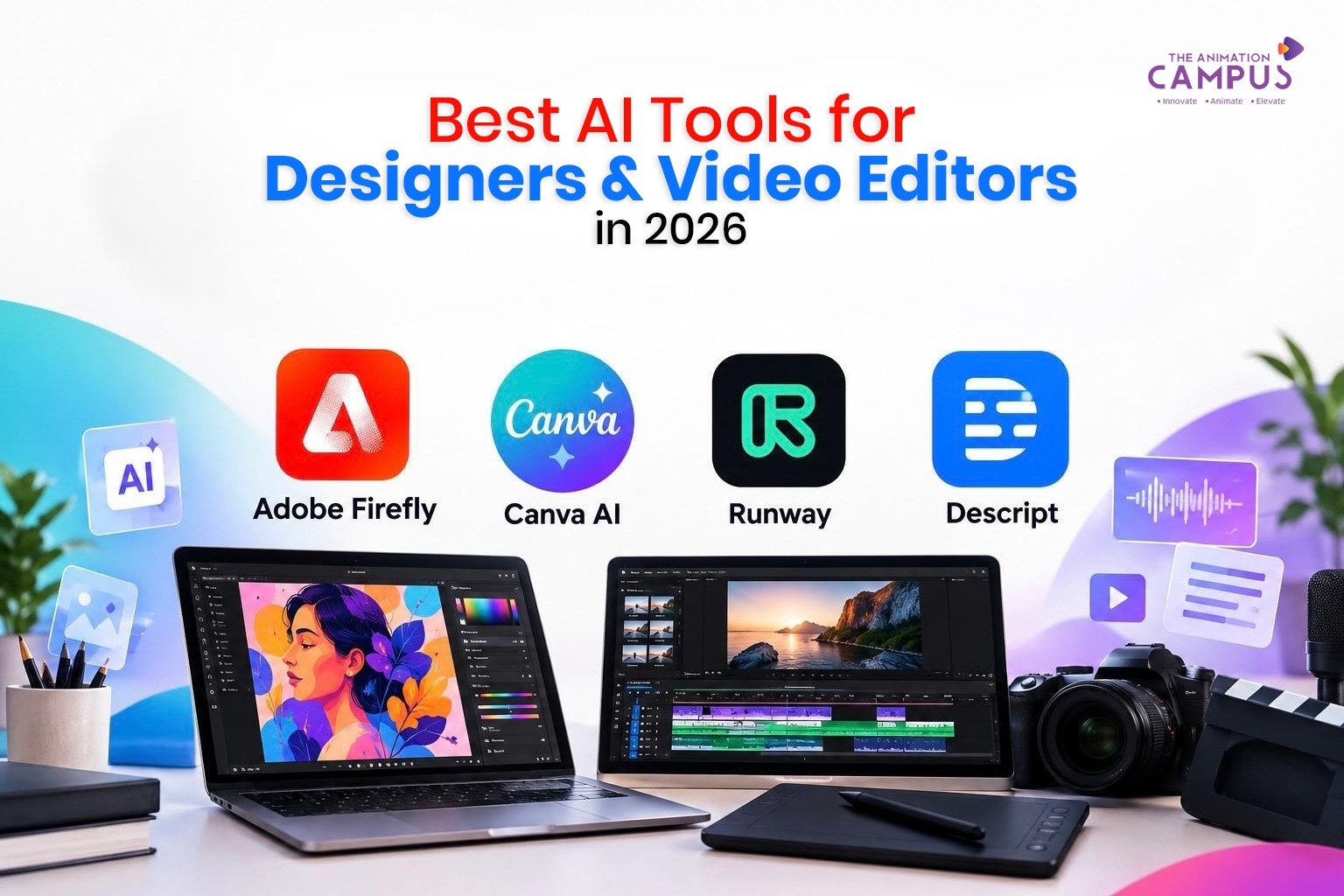
1. Adobe Firefly
For people who are already using Photoshop, Illustrator, or Premiere Pro, Firefly provides the simplest way of getting into AI. It offers AI-powered image generation, the ability to create image-to-video content with camera controls (including pan, zoom and tilt), and quick concept development — all of which are useful for B-roll, product visuals and social content.
2. Canva AI — Design without the slowdown
Canva AI reduces the distance between having an idea and producing a finished design. It can generate content, edit images, write copy, resize things for use on different platforms, and create simple animations—making it suitable for use with social posts, thumbnails, and marketing materials
Runway AI
Runway is able to turn text and image prompts into video clips that are highly controllable, making the tool useful for cinematic concepts, product videos, VFX, and for any kind of shot which would otherwise be too costly to film. However, it is still necessary for an editor to exercise their judgment if the footage is to become a real story.
4. Descript — Editing by editing the text
Descript, you can edit video by modifying the transcript, and it also provides AI tools for getting rid of filler words and for improving the audio. This is a major time-saver when dealing with interviews, podcasts, and talking-head content.
5. AI Image-to-Video Tools
Convert a static design—such as a product photo, illustration, or render—into an animated visual by using camera motion. This is useful for creating motion posters, reels, and animated ads. Firefly’s image-to-video controls provide a good example of this.
6. The use of AI for enhancing audio and video
With clean recordings, less noise, and no dead air—all without having to spend hours on manual editing—Descript’s enhancement tools were designed specifically for this kind of task, making them especially useful for podcasts and YouTube content.
7. The use of AI in the generation of ideas and in the pre-production phase
AI is just equally useful before production begins — it can be used for brainstorming concepts, scripts, shot lists, and creative briefs. The following workflow should be adhered to:
Idea → Script → Storyboard → Design → AI Generation → Editing → Publishing
AI Won’t Replace Creativity
While AI is able to produce an image, it is still the designer who decides why it works, how it fits the brand, and where the typography is placed. Although AI can generate footage, it is the editor who retains control over the pacing, the sound design, and the story. AI may speed up the production process, but it is creative judgment that makes the result good.
How to Get Started
Study the basic principles such as typography, colour, composition, and branding.
Study the software—Photoshop, Premiere Pro, After Effects, and Blender.
Include AI in your workflow—use it for coming up with ideas, generating content, and handling repetitive tasks.
Build real projects. Make posters, reels, brand videos, and campaigns.
Create a portfolio since evidence is more effective than having a list of tools.
The Future of Creative Work
In 2026 the most accomplished creative professionals will have a combination of design skills, editing technique, an ability to tell stories, and fluency with AI — not merely the last of these.
Learn Creative Skills with AI at The Animation Campus
The Animation Campus enables students to develop practical skills that are ready for use in the industry, covering areas such as Graphic Design and Video Editing, 3D Animation and Motion Graphics.
Learn today and create tomorrow by building your creative career on The Animation Campus.