admin October 13, 2026
How AI Is Changing Video Editing in 2026?
What role is AI playing in video editing in 2026?
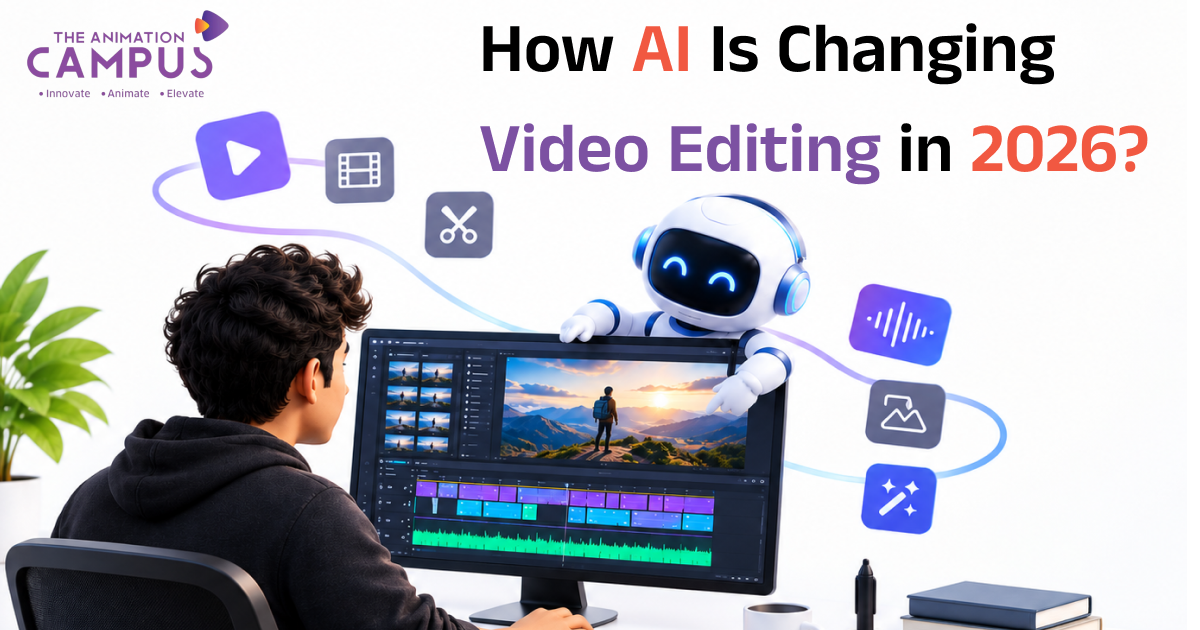
AI is altering the field of video editing by automatically carrying out slow and repetitive jobs such as adding captions, eliminating silence, reducing noise, masking, and creating clips. This in turn enables editors to focus more on aspects such as storytelling, pacing, and making creative choices. Although AI accelerates the workflow it does not take the place of the editor’s creative judgment.
What can artificial intelligence offer to video editors?
Faster editing and rough cuts
AI is able to analyse footage, identify useful moments, eliminate the silences, and assist with putting together rough cuts; as a result, the amount of time taken during the early stages of editing is reduced.
Automatic captions and subtitles
AI is able to produce subtitles in just a matter of minutes; although editors still check the text to ensure its accuracy, it does save hours of manual typing.
Better audio quality
By using AI audio tools you can have background noise reduced, voice clarity improved, and the dialogue enhanced, usually just by clicking once.
Background and object removal
It is possible for AI to automatically identify people and objects, which in turn makes tasks such as masking, rotoscoping, and background removal much easier.
Content repurposing
Since AI is capable of converting long-form videos into short clips for use on platforms such as Instagram Reels, YouTube Shorts, and others, a single video can be used on a number of channels.
What AI tools are best for video editing?
Tool
Best for
AI-assisted editing, object masking, audio enhancement
AI-assisted motion graphics and visual effects
DaVinci Resolve
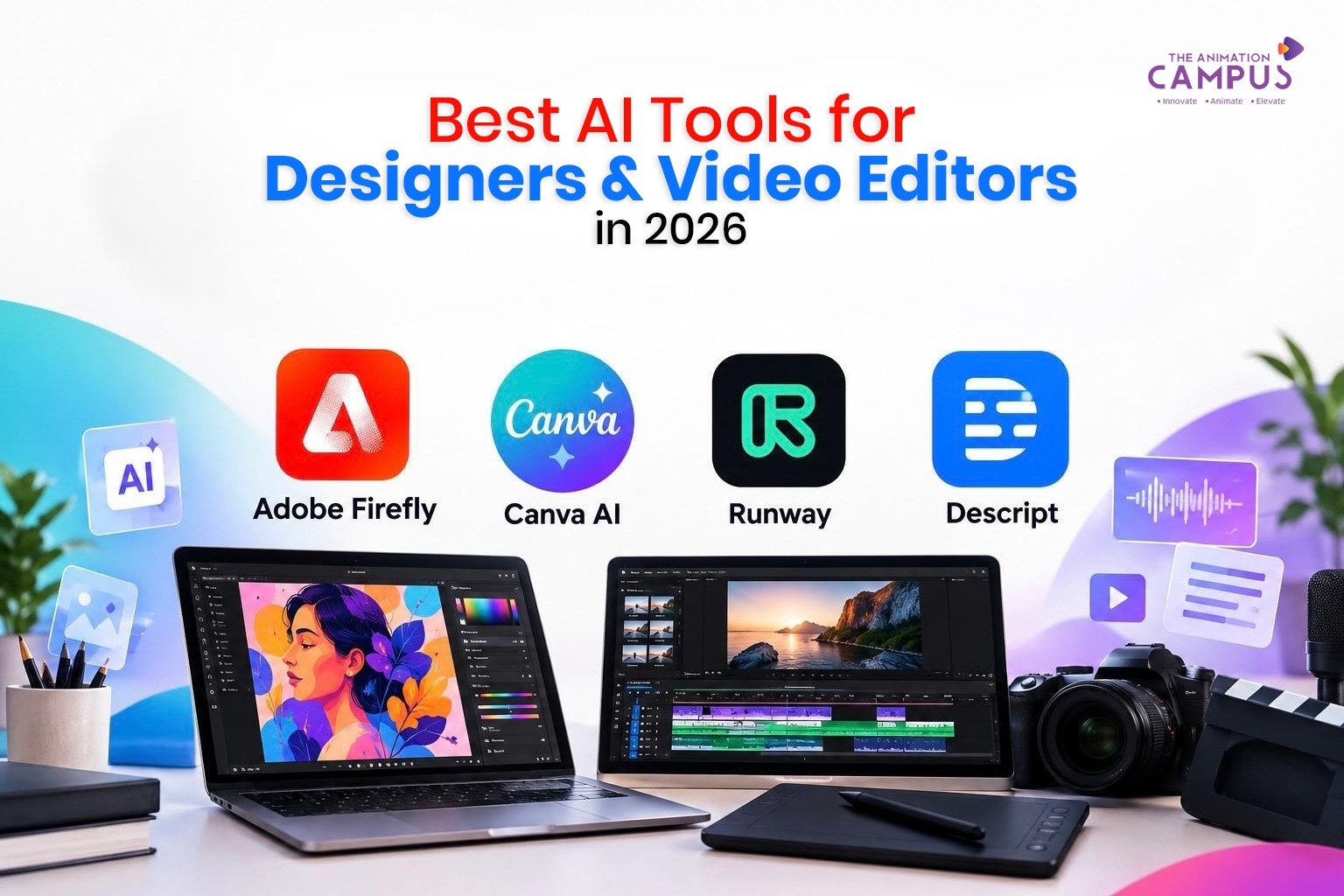
AI-powered editing, colour, audio, and visual tools
Runway
AI video generation and creative editing
Descript
Text-based editing and transcription
CapCut
AI captions, background removal, and social-media editing
Canva
Quick AI-powered video creation and editing
Since features are constantly changing, it’s necessary to consult the most recent version of each tool before selecting one for a project.
Will AI take over the job of video editors?
By no means will AI replace video editors since excellent editing relies on creative judgments which AI cannot make entirely by itself. A skilled editor knows:
Pacing and rhythm
Emotion and tone
Music and sound design
Colour and composition
Audience engagement
AI takes care of the technical and repetitive tasks. It is the editors who give shape to the story. The future does not lie in a confrontation between AI and video editors; it lies in AI combined with video editors.
What skills video editors who are just getting started to learn?
To stay competitive in 2026 and beyond, focus on:
Video editing fundamentals (cuts, transitions, timelines)
Premiere Pro or DaVinci Resolve
Motion graphics
Colour grading
Audio editing
AI video tools
Storytelling
Those editors who mix solid craftsmanship with AI tools will be in the best position
Conclusion
AI is speeding up and improving video editing, but it is still the element of human creativity that lies at the core of excellent content. Learn the tools, master the craft, and use AI to tell better stories.
If you want to develop creative skills that are relevant to the industry, The Animation Campus provides career-oriented courses in Video Editing, Motion Graphics, 3D Animation, Graphic Design, and Digital Marketing. Because of its practical training, the use of industry-standard software, AI-powered creative tools, and a project-based approach to learning, students are able to acquire the technical and creative skills required by today’s changing media and entertainment industry.
The Animation Campus focuses on helping learners to develop job-ready skills and a strong professional portfolio, whether they are working in professional video editing and motion design, 3D animation, or AI-integrated creative workflows.
Frequently Asked Questions (FAQ)
Is the use of AI beneficial for the task of video editing?
Right, AI is extremely skilled at carrying out repetitive jobs such as adding captions, reducing noise, and masking. However, creative decisions still have to be made by a human editor.
What AI tool would you recommend for people who are just starting out?
CapCut and Canva are suitable for beginners, while Descript is appropriate for people who prefer to edit video by editing text, and Premiere Pro and DaVinci Resolve are suitable for individuals who want to do professional work.
Can artificial intelligence produce short clips from long videos?
Certainly. Although many AI tools are capable of identifying highlights in long videos and preparing them for use in Reels and Shorts, editors must still check the clips for quality and context.
Should I still study video editing in view of the fact that AI exists?
Certainly. A knowledge of the basic principles of editing enables you to direct AI tools, correct the errors they make, and create work that is distinctive.
Is video editing using AI free?
Certain tools provide free plans, but it’s generally necessary to have a paid subscription in order to use the more advanced features. Since the prices differ, you should look at each tool’s website.